 Tripmori
01 · Capture
Three seconds.
A moment worth keeping.
Record a short clip in the app or import a video from Photos. Your scenes collect in the trip you choose.
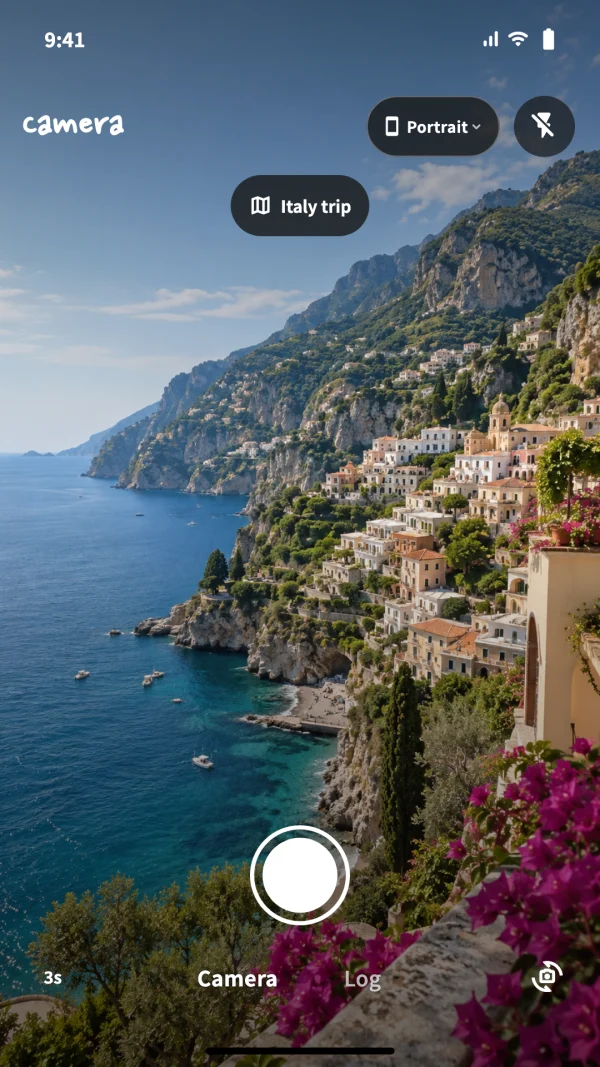
Little clips. Big memories.
The view ahead. A moment along the way. The last light of the day.
Collect three-second scenes and turn them into a travel video of your own.
iPhone · iPad · 한국어 / English / 日本語
Capture the little moments
Keep them in order
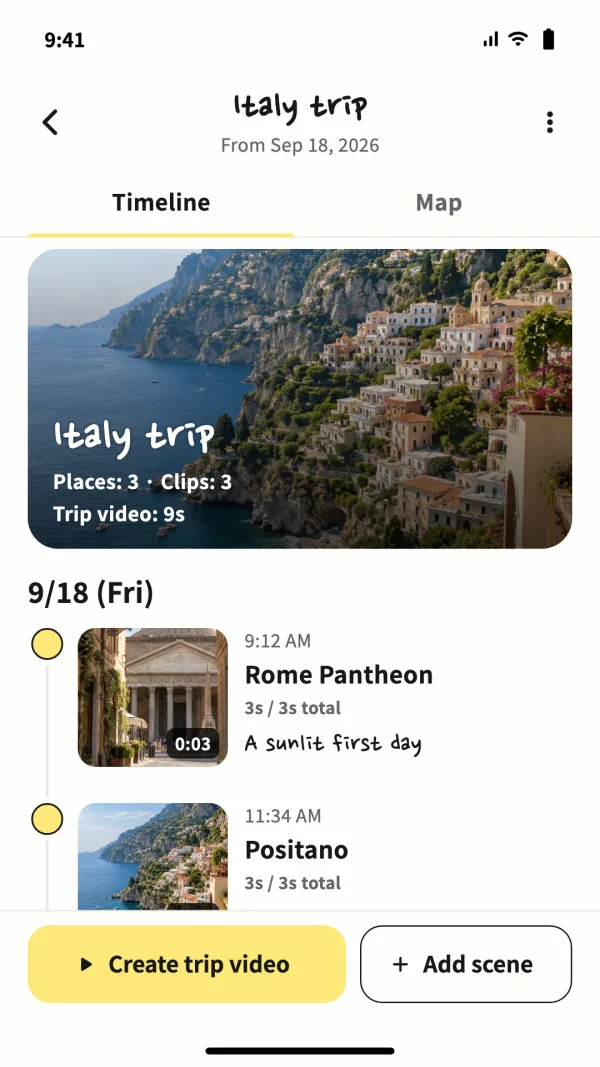
Capture. Collect. Replay.
Gather your scenes, add places and notes, and create a video that feels like your trip.
01 · Capture
Record a short clip in the app or import a video from Photos. Your scenes collect in the trip you choose.
02 · Collect
Look back in date and time order, add places and notes, and keep each journey together.
03 · Revisit
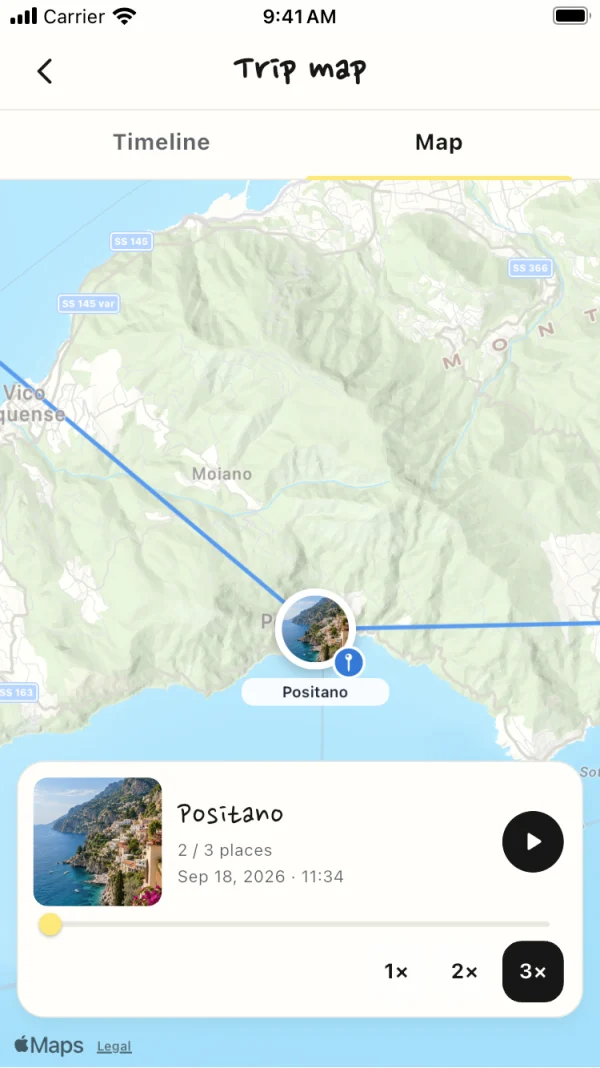
Find your filming locations on the map and revisit them in order. Record without location access or choose a place yourself.
04 · Create
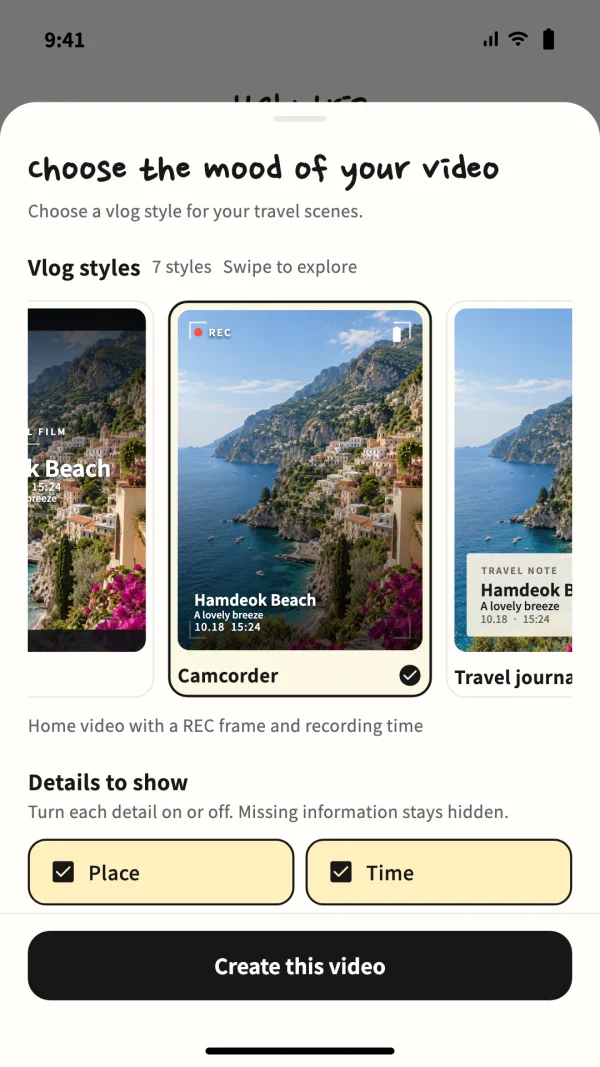
Pick from seven styles, including Camcorder and Travel Journal. Choose place and time labels, then save the finished video to Photos or share it.
Map lines connect saved locations. They are not road navigation routes.
Your journey, on your device
Start without an account. Trip records and copies of imported videos stay in the app’s storage on your device. Developer-server sync is not available.

Good to know
Yes. Record scenes without a location, or choose a place on the map when you need one. Maps and place search may need an internet connection.
Imported videos are used as app-managed copies. Deleting scenes or trips in the app keeps the originals in Photos and any copies you saved or shared separately.
Save it to Photos or share it from the video result screen. Closing that screen removes the temporary output file. You can also create a video again from your saved scenes.
Visit the Notion support page for guidance and more answers, or email the.cbm.contact@gmail.com. Including your device model, iOS version, Tripmori version and the steps where the issue occurred helps us respond.
Find usage guidance and contact details on our Notion support page.